

How ShifaTH works
Discover participating Providers, send a request, and keep the next steps organized. ShifaTH is a patient–Provider access and coordination platform.
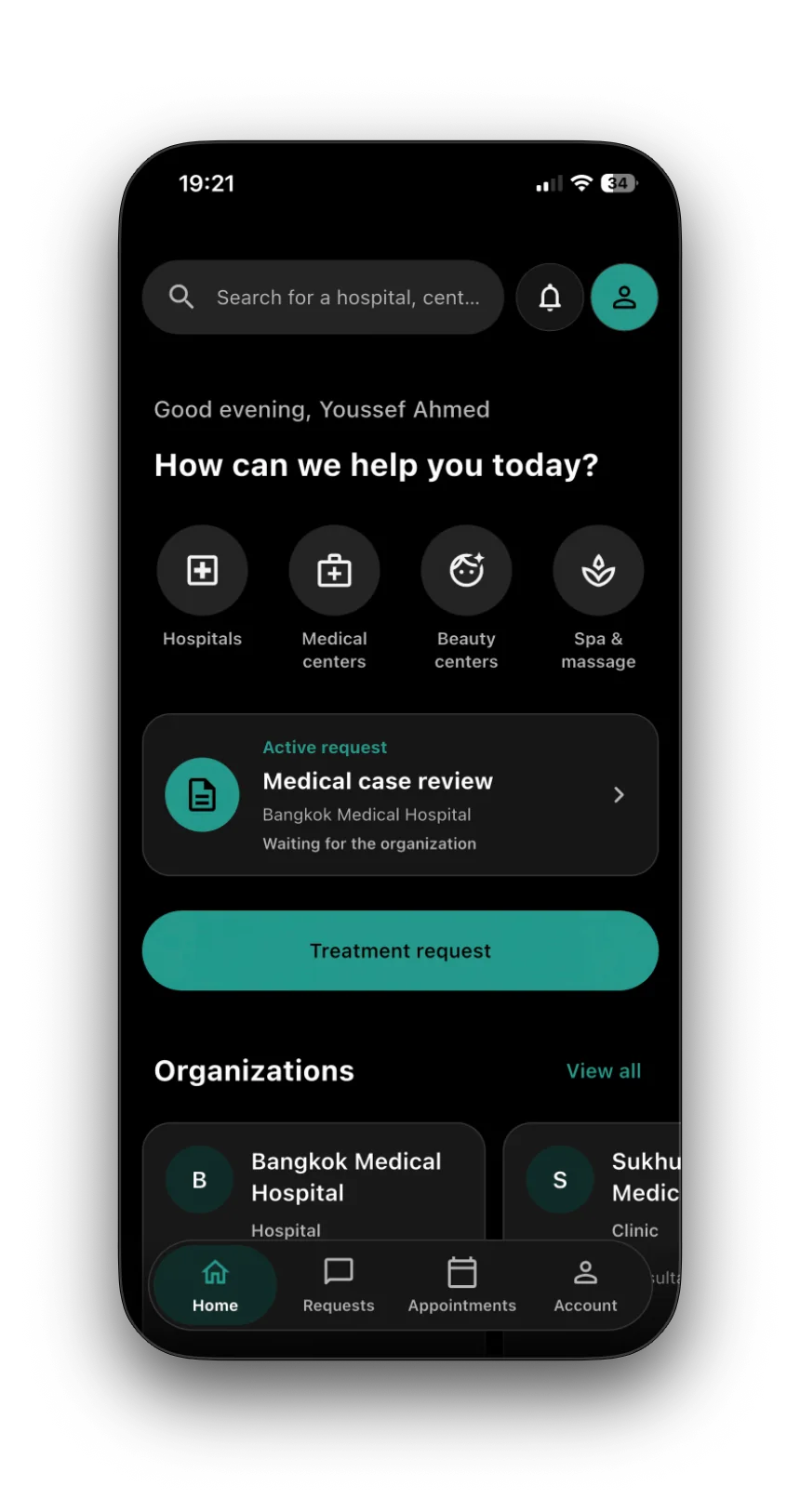
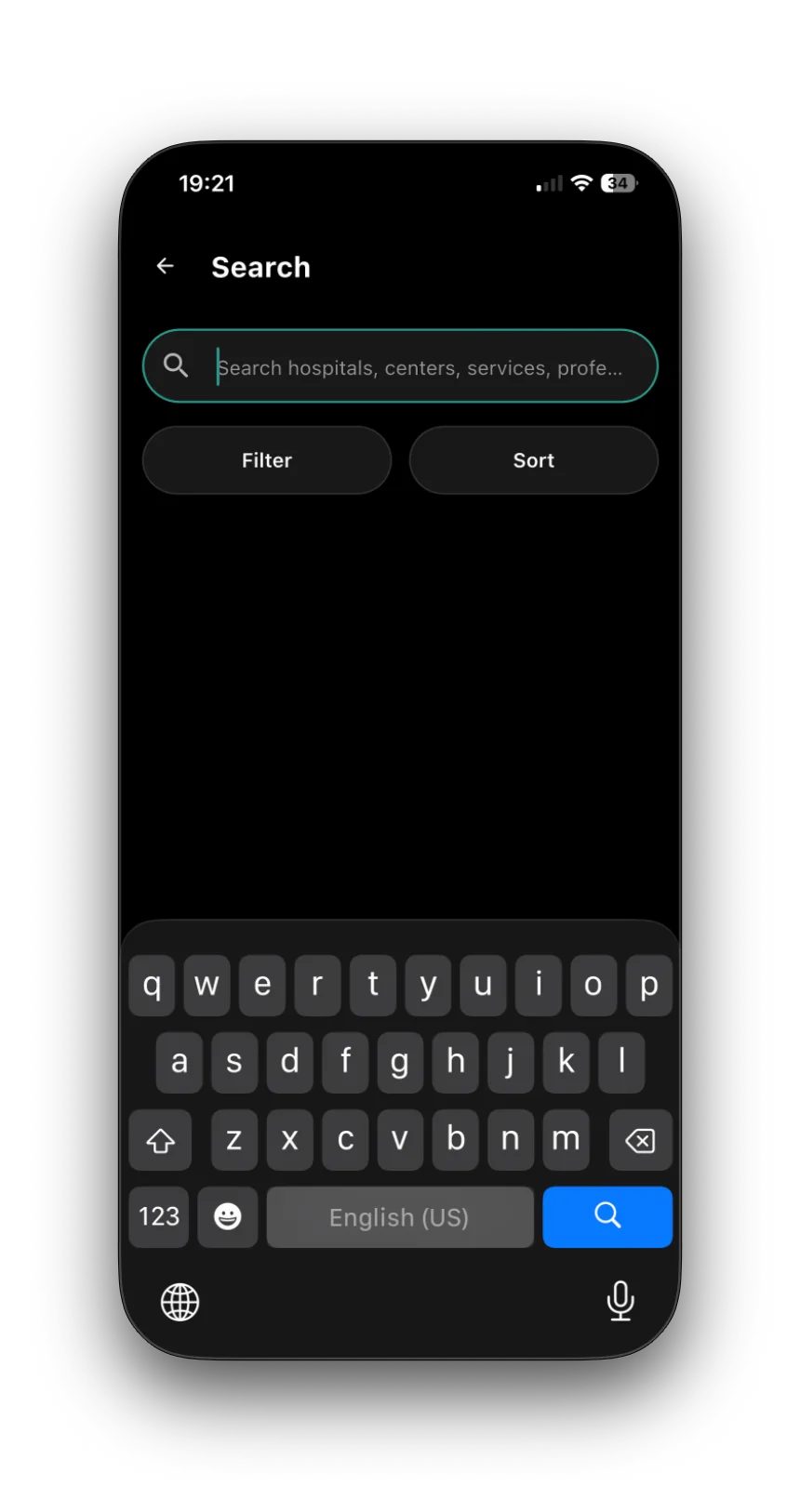
Discover participating Providers
Explore public Provider profiles and their published services, professionals and content before signing in. Details supplied by a Provider describe its offering; they are not a ShifaTH guarantee of clinical suitability.
Send the right request
Choose the Provider you want to contact and the request that fits your need. Hospital requests include general questions, cost inquiries, medical case reviews and appointment requests. Sign in to send a request, message or file.
Share what your request needs
Use the correct patient profile, whether the request is for you or someone you manage care for. Required information depends on the selected flow. Keeping a document in your private vault is separate from sending it to a Provider.
Communicate in ShifaTH
Direct communication with the Provider inside ShifaTH is the core model. Where a coordinated flow applies, authorized ShifaTH coordinators read each side’s messages and write separate platform messages to the intended recipient.
Follow the next step
A request may lead to further discussion, an appointment and, after confirmed attendance, an eligible review. These steps apply when relevant. Requesting an appointment or choosing a preferred time does not confirm it. Clinical decisions and care remain with the Provider.
Each Provider relationship stays separate
If you contact several Hospitals, each has its own request, conversation, status and authorized patient information. Selecting several Hospitals does not give them access to one another’s relationships or files.